
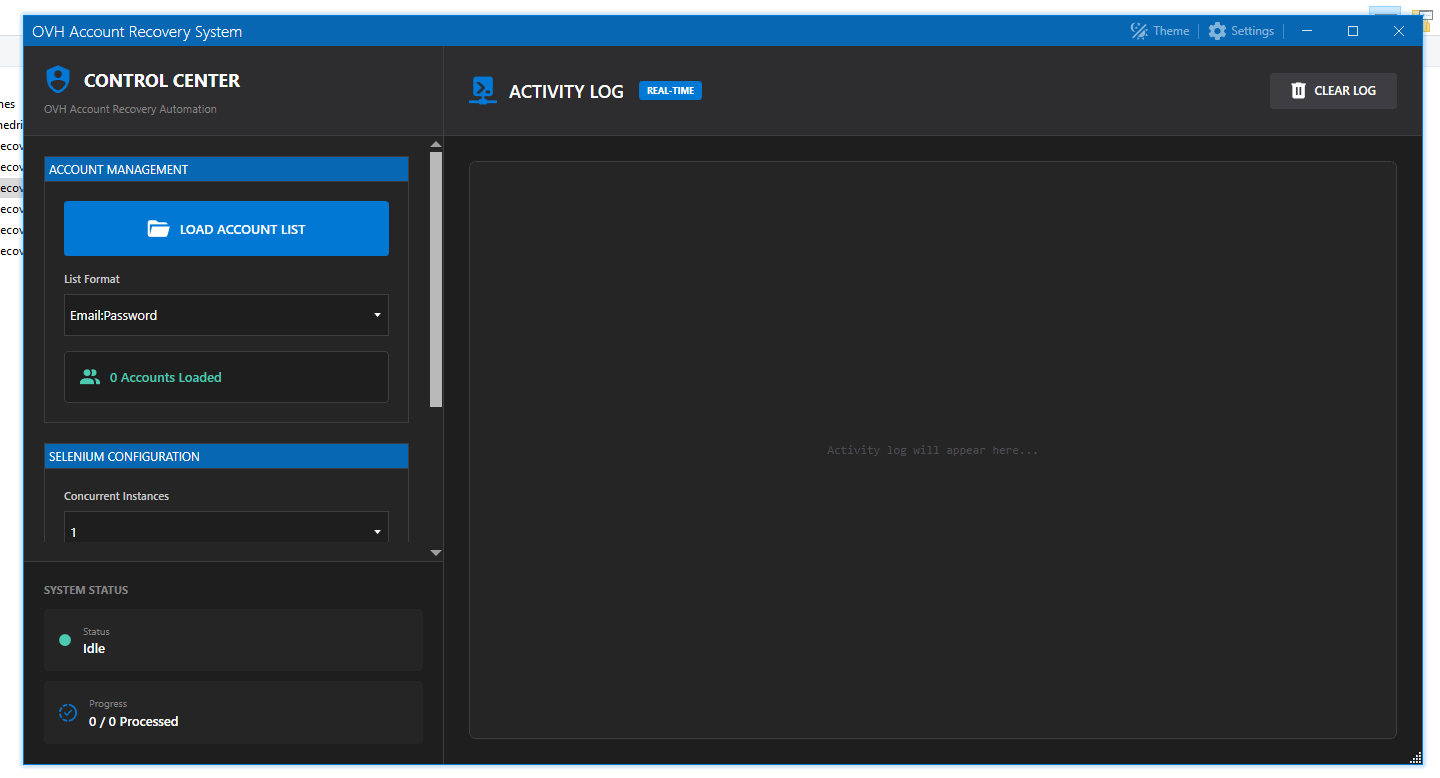
OVH EMAIL ACCESS CHECKER 2026 – Fast OVH Recovery Email Verification Tool (Browser Emulation)
In 2026, email access validation and recovery checking has become more important than ever—especially for users who manage multiple inboxes, business accounts, or large email databases. OVH EMAIL ACCESS CHECKER 2026 is a browser-emulation based tool designed to verify OVH email recovery access efficiently using automated form interaction, smart selectors, and stable multi-instance processing.
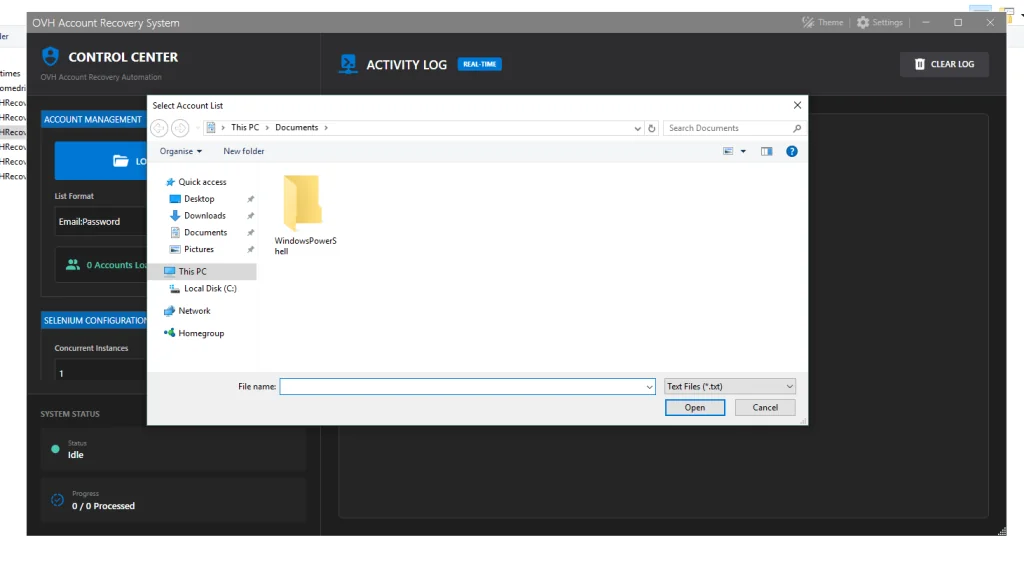
This software is built for speed, accuracy, and smooth performance, making it useful for professionals who want a reliable workflow for checking OVH email recovery status with modern automation settings.
What is OVH EMAIL ACCESS CHECKER 2026?
OVH EMAIL ACCESS CHECKER 2026 is an automated checking software that interacts with OVH recovery pages using browser emulation. Instead of relying on simple API calls or outdated scripts, it uses real web interaction to process email inputs, submit recovery requests, and detect success messages.
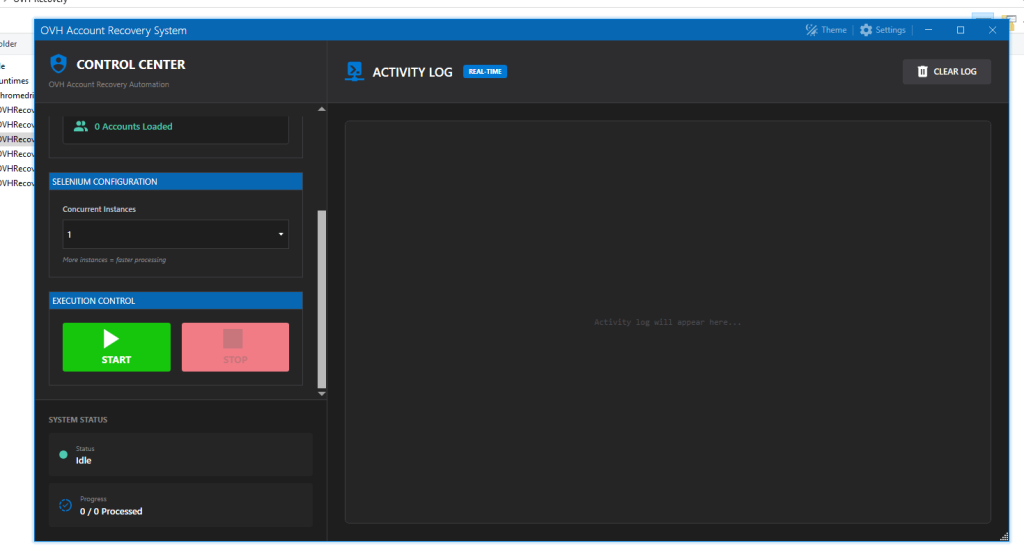
This tool is designed to:
- Automate the OVH password recovery checking process
- Reduce manual effort
- Improve batch processing speed
- Provide stable results with configurable performance settings
Why OVH Email Access Checking Matters in 2026
OVH email accounts are widely used for:
- Business communication
- Hosting control panels
- Domain and web service access
- Customer support emails
If you manage a large list of emails, manual recovery verification becomes time-consuming. With OVH EMAIL ACCESS CHECKER 2026, the process becomes automated and faster while keeping browser behavior more realistic.
Key Features of OVH EMAIL ACCESS CHECKER 2026
Below are the core features and configuration details of the software:
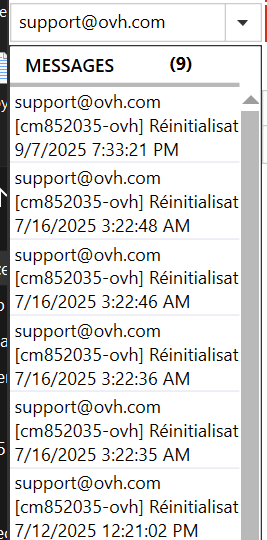
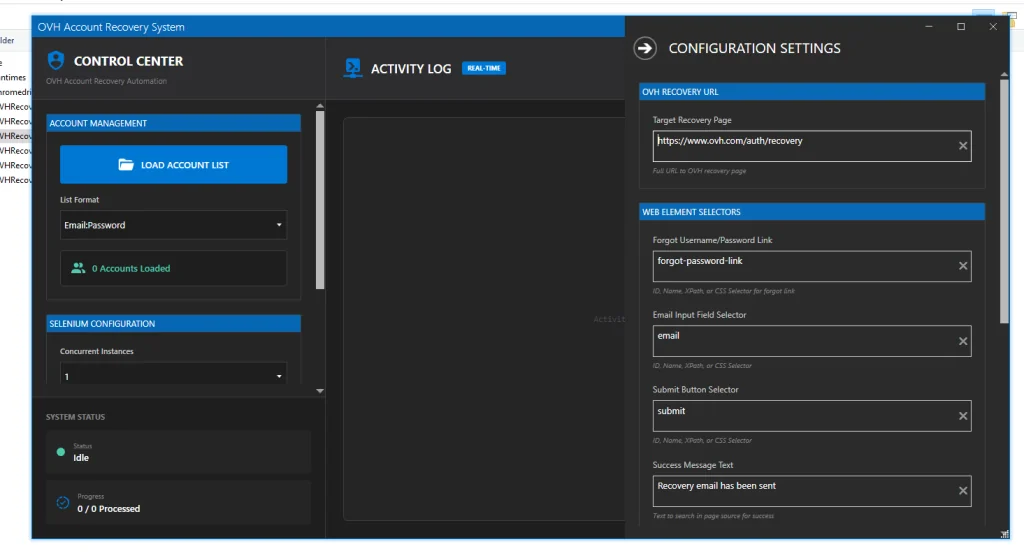
✅ Forget Username/Password Link Selector
Selector: forgot-password-button
This setting allows the tool to automatically detect and click the “Forgot Password” or account recovery option on the OVH interface. It helps the software reach the correct recovery flow without manual navigation.
✅ Email Input Field Selector
Selector: lost-account
This feature identifies the exact input field where the email must be entered. Accurate selectors improve success rate and reduce errors like wrong-field typing.
✅ Submit Button Selector
Selector: forgot-password-submit
Once the email is entered, the software clicks the submit button using this selector. This ensures smooth form submission and consistent automation results.
✅ Success Message Detection
Success Message Text: Recovery email has been sent
This is one of the most important parts of the checker. The tool confirms results by scanning the page for the exact success message.
If this message appears, it indicates the recovery process has been triggered successfully.
✅ Headless Mode: Disabled
Headless Mode: Disabled
With headless mode turned off, the tool runs in visible browser mode. This is beneficial for:
- Debugging
- Higher compatibility
- Reduced detection issues on some websites
- More stable automation
✅ Load Images: Enabled
Load Images: Enabled
Images are enabled to mimic real user behavior more accurately. This can help the browser emulation behave naturally and load elements properly.
✅ Page Load Timeout: 30 Seconds
Timeout: 30 seconds
A balanced timeout is important for stability. With 30 seconds, the tool can handle slow loading pages without failing quickly.
✅ Batch Size Per Driver: 2
Batch Size: 2
This means each driver processes a small batch at a time, which helps:
- Maintain stability
- Reduce browser crashes
- Improve performance on average PCs/VPS setups
✅ Concurrent Instances: 2
Concurrent Instances: 2
The software can run two browser instances at the same time, increasing overall checking speed while keeping system load manageable.
This is ideal for:
- Mid-range computers
- VPS environments
- Controlled high-speed processing
How OVH EMAIL ACCESS CHECKER 2026 Works (Step-by-Step)
Here is the simple workflow:
- The tool opens the OVH recovery page
- It clicks the forgot password link using:
forgot-password-button - It finds the email input field using:
lost-account - It submits the form using:
forgot-password-submit - It detects success via the message: “Recovery email has been sent”
- It continues with the next email using batch processing and concurrency
Performance & Speed Optimization in 2026
OVH EMAIL ACCESS CHECKER 2026 includes smart performance configuration:
- Concurrent Instances (2): faster processing
- Batch Size Per Driver (2): stable and low memory usage
- Timeout (30 sec): prevents false fails
- Images Enabled: better rendering and element loading
- Headless Disabled: improved compatibility and debugging
This makes it suitable for users who want a balance of speed + accuracy + stability.
Best Use Cases for OVH EMAIL ACCESS CHECKER 2026
This software is ideal for:
✅ Email admins managing OVH inboxes
✅ Hosting professionals verifying recovery access
✅ Bulk email list managers (verification workflow)
✅ Automation-based web testing setups
✅ Teams that need faster recovery confirmation checks
Download OVH EMAIL ACCESS CHECKER 2026
Final Thoughts
OVH EMAIL ACCESS CHECKER 2026 is a modern browser-emulation based recovery checking tool that automates OVH email recovery validation with accurate selectors, multi-instance processing, and stable timeout controls.
If you want a reliable solution for checking OVH email recovery status at scale, this tool offers the right balance of speed, compatibility, and automation accuracy in 2026.