
📌 Introduction
Rapid Email Sender Advance 2026 is a powerful bulk email marketing software designed for businesses, marketers, and agencies that need to send large volumes of emails quickly and efficiently.
The tool offers advanced features like SMTP integration, mailing list management, dynamic email personalization, campaign scheduling, and email verification, making it suitable for professional email marketing campaigns.
In this guide, we will explore the features, interface, utilities, and tools of Rapid Email Sender Advance 2026.
📧 What is Rapid Email Sender Advance 2026?
Rapid Email Sender Advance 2026 is a bulk email marketing and campaign automation tool that allows users to send thousands of emails through multiple SMTP servers.
🎯 Primary Purpose
- 📤 Send bulk marketing emails
- 📋 Manage mailing lists
- ⚙️ Automate email campaigns
- 🔄 Rotate SMTP servers
- ⏰ Schedule email campaigns
- 🧹 Clean and verify email lists
⭐ Core Features of Rapid Email Sender Advance 2026
🔗 1. Supports All SMTP Servers
The software allows integration with multiple SMTP providers, giving users flexibility in sending emails.
✔ Supported SMTP Examples
- 📩 Gmail SMTP
- 📬 Outlook SMTP
- 🌐 Private SMTP servers
- 🖥 Hosting email servers
This ensures reliable email delivery across different networks.
🔄 2. SMTP Rotation Technology
SMTP rotation automatically switches between different SMTP servers during campaigns.
🎯 Benefits
- 📉 Reduce spam detection
- ⚡ Improve email delivery speed
- 🛡 Prevent server overload
- 📬 Increase inbox placement rate
🧩 3. Built-in Email Templates
Rapid Email Sender Advance 2026 includes ready-made professional email templates.
🎨 Advantages
- ⏱ Faster campaign creation
- 🖥 Professional email layouts
- ✏ Easy customization
- 📧 Better marketing design
🖊 4. WYSIWYG Email Editor
The software features a WYSIWYG editor (What You See Is What You Get).
Users can create emails visually without coding knowledge.
✨ Editor Features
- 📝 Rich text editing
- 🖼 Image insertion
- 🔗 Link embedding
- 🎨 Layout customization
🧠 5. Dynamic Email Personalization
Rapid Email Sender Advance allows dynamic variables for personalized emails.
📊 Example Personalization Fields
- 👤 Recipient name
- 🏢 Company name
- 📍 Custom fields
- 📧 Email ID variables
Personalization increases email engagement and open rates.
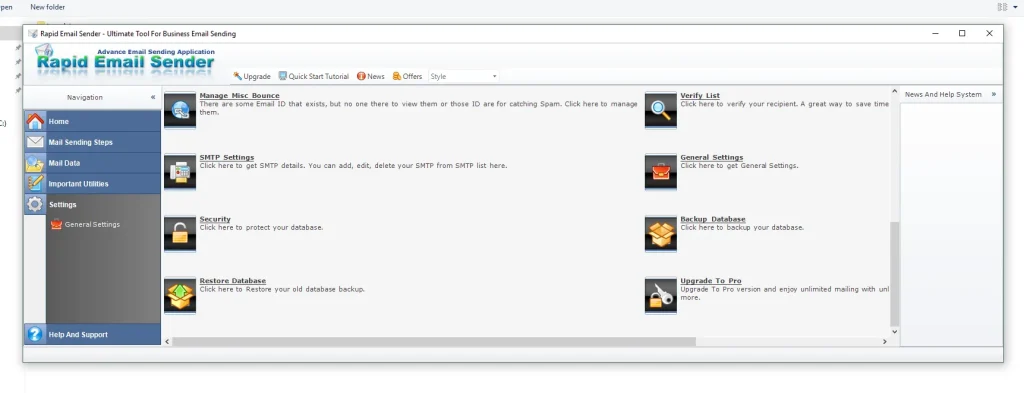
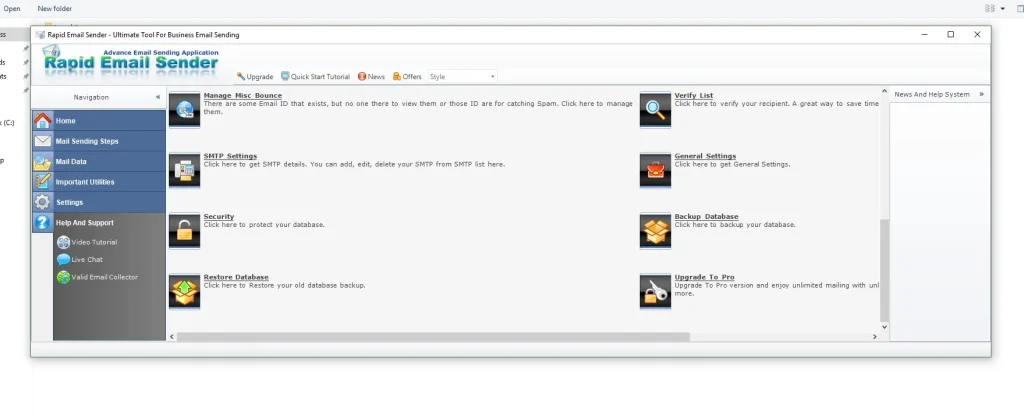
🖥 Software Dashboard & Navigation
The interface is organized into several sections that simplify campaign management.
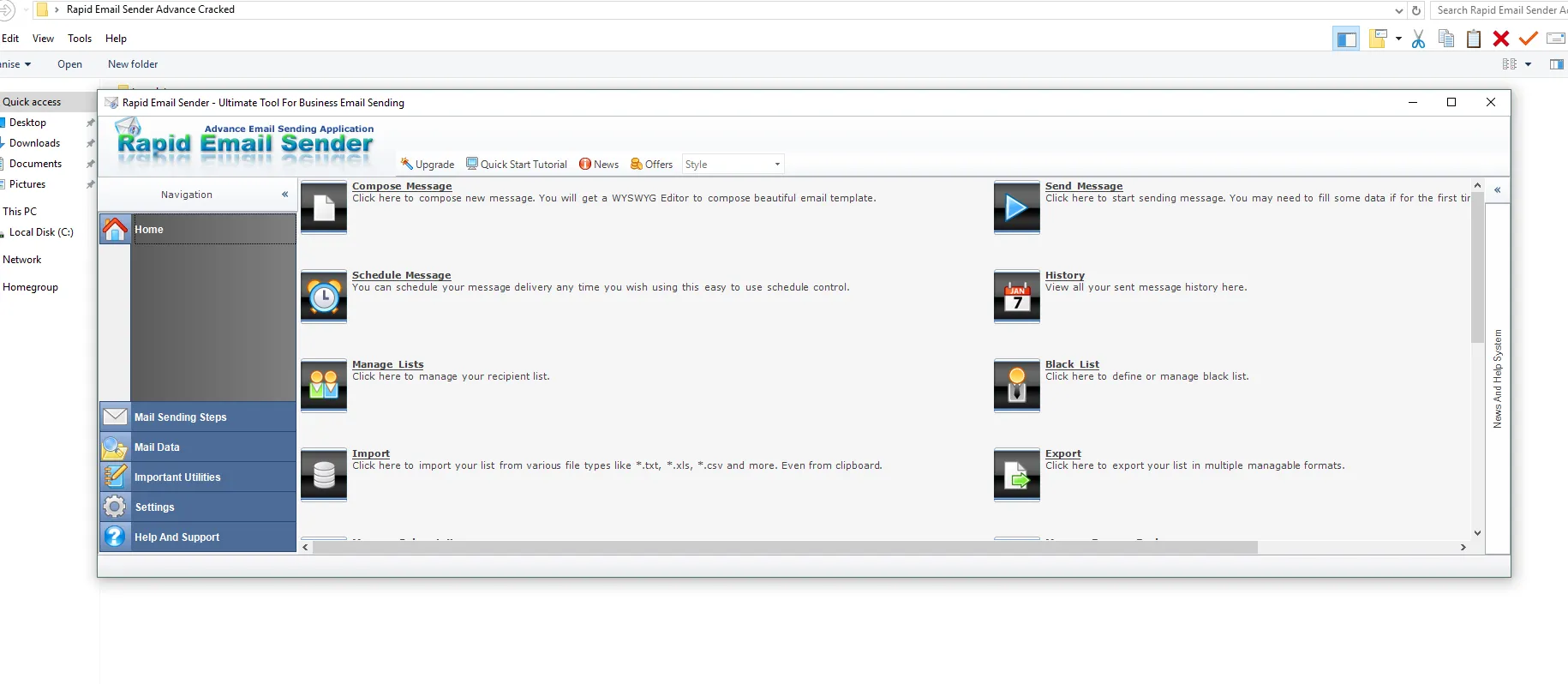
🏠 Home Dashboard
The Home dashboard serves as the main control panel.
📊 Dashboard Features
- 📈 Campaign overview
- 📋 Access to mailing lists
- ⚙ Quick campaign setup
- 📊 Campaign statistics
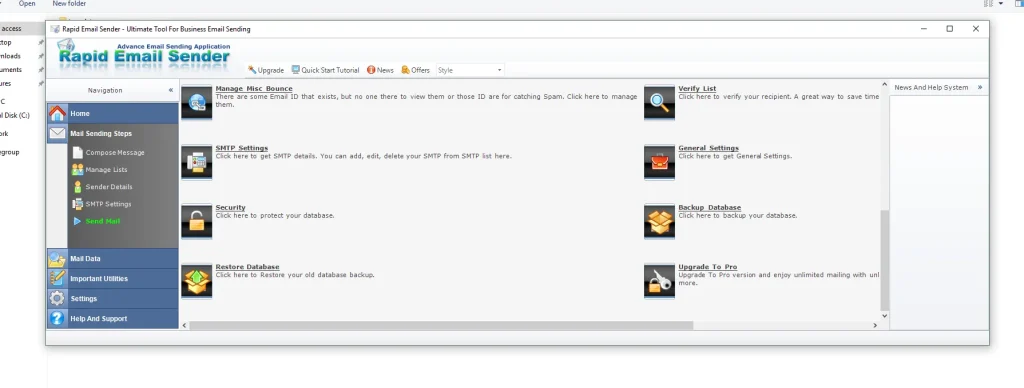
📤 Mail Sending Steps
This section provides a step-by-step campaign creation process.
🪜 Campaign Workflow
1️⃣ Compose email message
2️⃣ Select mailing list
3️⃣ Configure SMTP servers
4️⃣ Schedule delivery time
✉ Compose Message
The Compose Message area is where users create email content.
🧰 Message Tools
- 📝 Subject line editor
- 🎨 Email template selection
- 🔗 Link insertion
- 🧠 Dynamic variables
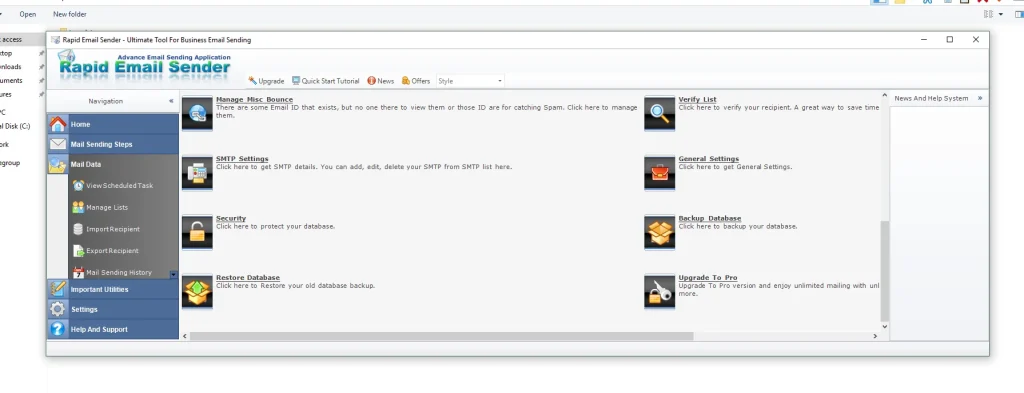
📋 Mailing List Management Tools
Managing email contacts is essential for successful campaigns.
📥 Import Email Lists
Users can import contact lists from multiple formats.
📂 Supported Formats
- 📄 TXT files
- 📊 CSV files
- 📑 Excel files (.xls)
- 📋 Clipboard data
📤 Export Email Lists
Email lists can also be exported into multiple formats for backup or external use.
🧹 Email Verification & List Cleaning
Maintaining a clean mailing list improves email deliverability.
✔ Verify Email Lists
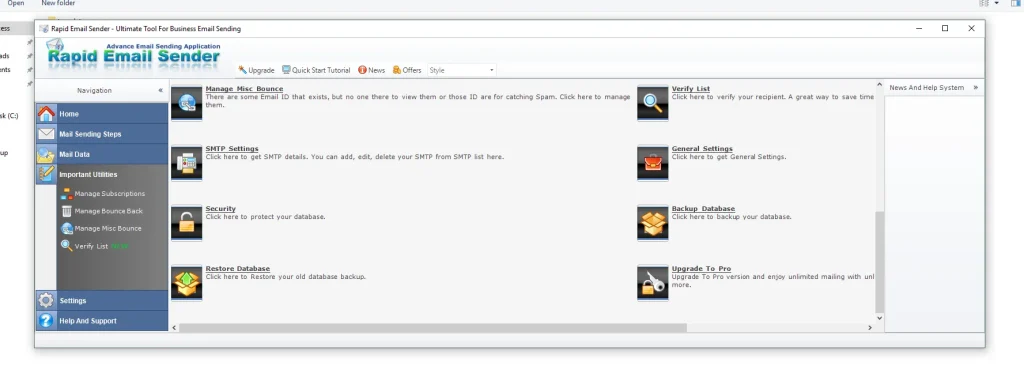
The Verify List feature checks email addresses for accuracy.
🔎 Detection Includes
- ❌ Invalid email addresses
- ⚠ Spam trap emails
- ⛔ Temporary emails
- 📭 Inactive accounts
📉 Bounce Handling System
The platform includes tools to manage undeliverable emails.
🛠 Bounce Management Tools
- 📩 Bounce Back Manager
- ⚠ Miscellaneous Bounce Handling
- 🧹 Automatic removal of failed addresses
This protects the sender reputation.
⏰ Campaign Scheduling & Automation
The Schedule Message feature allows users to send campaigns automatically.
📅 Scheduling Benefits
- ⏳ Automated email delivery
- 🌍 Time-zone optimized campaigns
- 📈 Better engagement timing
🚫 Blacklist Management
Users can create a blacklist of blocked email addresses.
🛑 Blacklist Uses
- Prevent sending to unsubscribed users
- Block spam complaints
- Avoid known spam traps
📜 Campaign History Tracking
The History section records all previous campaigns.
📊 History Data Includes
- 📧 Sent email records
- 📅 Scheduled campaigns
- 📊 Activity logs
🔐 Database Security & Backup
The software includes strong data protection features.
🛡 Security Options
- 🔑 Password protected database
- 🔒 Encrypted data storage
💾 Backup & Restore System
Users can protect their data using backup tools.
📂 Backup Features
- 💾 Create database backups
- 🔄 Restore campaign data
- 🗂 Protect mailing lists
🧰 Additional Utilities
📧 Valid Email Collector
The Valid Email Collector tool helps gather active email addresses for campaigns.
⚙ Application Settings
Users can configure software behavior through the settings panel.
🔧 Configuration Options
- SMTP settings
- Sending speed control
- Database preferences
- General software settings
🆘 Support & Learning Resources
Rapid Email Sender Advance 2026 provides built-in assistance tools.
📚 Available Resources
- 📖 Documentation
- 🎥 Video tutorials
- 💬 Live chat support
✅ Advantages of Rapid Email Sender Advance 2026
- 📤 Powerful bulk email sending
- 🔄 Multiple SMTP support
- 🧩 Built-in email templates
- 🧠 Dynamic personalization
- 🧹 Email list verification
- ⏰ Campaign scheduling
- 🔐 Database security tools
Download Rapid Email Sender Advance 2026
🏁 Conclusion
Rapid Email Sender Advance 2026 is a complete bulk email marketing solution that offers advanced tools for campaign management, SMTP integration, email list cleaning, and automation.
With its powerful features like SMTP rotation, dynamic personalization, and email scheduling, it helps businesses manage large-scale email marketing campaigns efficiently.
❓ FAQ
❓ What is Rapid Email Sender Advance 2026?
Rapid Email Sender Advance 2026 is a bulk email marketing tool used to send large email campaigns using SMTP servers and mailing lists.
❓ Does it support multiple SMTP servers?
Yes, the software supports multiple SMTP providers and includes SMTP rotation to improve deliverability.
❓ Can the software verify email addresses?
Yes, it includes email verification tools that detect invalid and inactive email addresses.
❓ Does the software allow email scheduling?
Yes, users can schedule campaigns to send automatically at specific dates and times.
❓ What formats can be imported for email lists?
Email lists can be imported from TXT, CSV, Excel (.xls), and clipboard data.